Apple's iOS 26: Control iPhone Camera with AirPods as Remote
June 5, 2026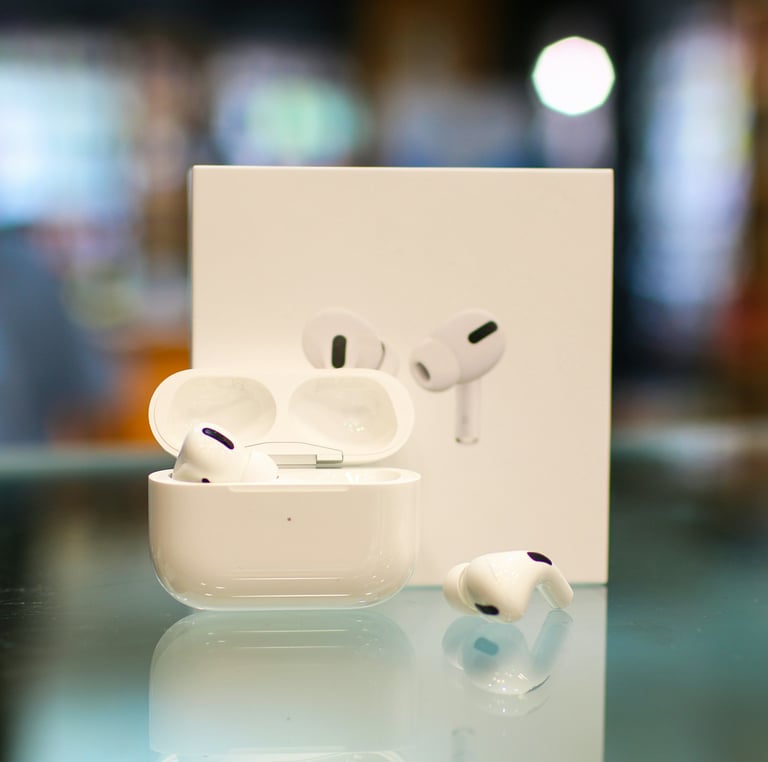

Apple has introduced iOS 26 with a new Camera Remote feature that lets AirPods act as a control remote for the iPhone camera.
Camera Remote appears in AirDrop settings and lets users capture photos or start and stop video recording using AirPod stems on regular AirPods or the digital crown on AirPods Max.
To enable the feature, users must update to iOS 26/iPadOS 26 and navigate to Settings > AirPods > Camera Control to enable Camera Remote, choosing between Press Once and Press and Hold; activating one gesture disables the other.
In addition, AirPods can function as a microphone for iPhone and iPad cameras, providing audio input during videos.
Camera Remote is also available on iPadOS 26, extending AirPods camera control to iPad devices.
Summary based on 1 source
Get a daily email with more Tech stories
Source
Tech Times • Jun 5, 2026
Apple AirPods New iPhone Camera Feature Now Live on IOS 26—How to Use It?